
Executive Summary
In the rapidly evolving landscape of teledildonics, the hardware is often secondary to the software experience. For a remote control vibrator, the “First Time User Experience” (FTUE) is the critical threshold that determines product retention and brand reputation. If the connection fails, the experience fails.
This research report analyzes the friction points in the initial setup and pairing process. It proposes a rigorous, empathetic, and technically robust Standard Operating Procedure (SOP) designed to facilitate high-stakes digital connections. The goal is to transform a technical setup into a seamless bridge for couples’ intimacy, ensuring privacy, stability, and ease of use for a diverse user base.
1. Introduction: The High-Stakes Nature of Connectivity
Unlike setting up a smart bulb or a speaker, setting up an intimate device carries a unique emotional load. Users are often in a state of vulnerability, anticipation, or high arousal. Technical failure in this context does not just cause frustration; it kills the mood and damages the emotional intent of the purchase.
Therefore, the SOP for a remote control vibrator must be viewed not as a technical manual, but as a “Gateway to Intimacy.” The objective is to move the user from “Unboxing” to “Connected Play” with minimum cognitive load and maximum trust.
2. User Persona & Emotional Landscape Analysis
To build an effective SOP, we must understand who is using the device and their psychological state.

2.1 The Personas
- The Long-Distance Partner (The primary remote user): High anxiety regarding connection stability. They fear latency or disconnection will ruin the limited time they have with their partner.
- The Tech-Hesitant User: Intimidated by Bluetooth pairing, app permissions, and invite links. They want a “one-button” solution.
- The Privacy Advocate: Deeply concerned about data leaks, audio recording, or identity exposure. They require reassurance before granting app permissions.
2.2 The Emotional Context
- Vulnerability: The device is used for private, intimate acts.
- Urgency: When users decide to use the device, they usually want it working now.
- Expectation: The expectation is seamless magic. The reality is often firmware updates and Bluetooth troubleshooting.
Implication for SOP: The language must be calm, assuring, and non-judgmental. It must prioritize “Time-to-Pleasure” (TTP).
3. Privacy & Security: The Foundation of Trust
Before a connection can occur, trust must be established. The SOP must integrate transparency regarding data handling into the setup flow without overwhelming the user.
3.1 Data Minimization Strategy
- Account Creation: Offer “Guest Mode” or “Local Play” options that do not require email registration initially. This lowers the barrier to entry.
- Permission Explanation: Android, for example, often requires Location Services to scan for BLE (Bluetooth Low Energy) devices.
- Bad UX: System popup asking for location. (User thinks: “Why does my vibrator need to know where I am?”)
- SOP Best Practice: A pre-popup context screen explaining: “To find your device via Bluetooth, Android requires a temporary location scan. We do not track or store your physical location.”
3.2 The “Safe Harbor” Indicator
Visual cues within the app (e.g., a green shield icon) during the pairing process should indicate that the link is encrypted (E2EE) and that no video/audio is being recorded without explicit consent.
4. Core Obstacles & Technical Reliability
The SOP must proactively address the “Silent Killers” of remote connections.
- The “Sleep Mode” Confusion: Most devices ship in “Travel Mode” (locked) to prevent activation during shipping. Users often think the device is dead.
- Bluetooth Handshake Failures: Interference from other devices or stale caches.
- The “Walled Garden” of Remote Play: The transition from local Bluetooth control (Phone A -> Device) to Remote Control (Phone B -> Cloud -> Phone A -> Device).
5. The Master SOP Framework: Complete Standard Operating Procedure
This SOP allows for a modular approach, guiding the user from unboxing to the first successful remote interaction.
Phase 1: Physical Awakening (Hardware Logic)
- Goal: Ensure the device is powered and unlocked.
- Action:
- Charge First: Explicit instruction to charge for 30 minutes before first use. (Solves 40% of “DOA” tickets).
- Unlock Mechanism: Clear diagram of the specific “Long Press” or “Double Click” required to exit Travel Mode.
- Visual Feedback: The LED indicator must breathe/flash to signal “Ready to Pair.”
SOP Note: If the LED doesn’t flash, stop here. Direct to “Reset Guide.”
Phase 2: The Local Handshake (Bluetooth Pairing)
- Goal: Secure the link between the Owner’s App and the Hardware.
- Action:
- In-App Scanning: Do not pair via the phone’s native Bluetooth settings menu (a common user error). The SOP must explicitly state: “Open the App to pair.”
- Proximity Check: “Hold the device close to the phone.”
- Haptic Confirmation: Once paired, the device should give a short, distinct buzz. This physical confirmation provides immense psychological relief.
Phase 3: The Remote Bridge (Establishing the Intimacy Link)
- Goal: Connect the Partner (Remote) to the Device (Owner).
- Context: This is where remote control vibrators differ from standard devices. It involves WebSockets or P2P connections.
- Action:
- Invitation Logic: The Owner generates a link/QR code.
- Platform Agnosticism: The SOP must handle cross-platform scenarios (iOS sending to Android).
- Latency Test: Upon connection, the app should perform a silent “ping” to measure network quality and display a “Connection Health” bar (e.g., “Connection: Strong”).
- Control Handoff: Clearly visualize who has control. “Partner is now controlling your device.”
6. Content Strategy & Educational Design
To cater to different learning styles, the SOP must be multimodal.
6.1 The “3-Second Rule” (Layered Guidance)
- Level 1 (The Card): A physical Quick Start card in the box. 3 Steps maximum. Large icons.
- Level 2 (The App Onboarding): Interactive overlay in the app. “Press here to add device.”
- Level 3 (The Deep Dive): A searchable FAQ and video library for troubleshooting.
6.2 Visuals over Text
- Use Looping GIFs for hardware interactions (e.g., showing exactly how long to hold the button). Static images often fail to convey timing.
- Use Color Coding: Blue for Bluetooth, Green for Online/Remote connection.
6.3 Troubleshooting Flow (The “Help” Button)
Instead of a generic error message, use specific diagnostic codes in the UI:
- Error: “Device not found.”
- SOP Solution: “Is the light flashing? If not, hold the button for 3 seconds.”
7. Language Style & Tone Guidelines
The voice of the SOP determines the brand’s relationship with the user.
- Attributes:
- Empathetic: Acknowledge that technology can be annoying.
- Direct: Use imperative verbs (“Press,” “Select,” “Confirm”).
- Warm: Use “Enjoy,” “Connect,” “Partner.”
- Non-Clinical: Avoid “Peripheral,” “Latency,” “Packet Loss.” Use “Device,” “Delay,” “Connection Quality.”
- Example Comparison:
- Bad: “Ensure BLE permissions are granted to facilitate peripheral discovery.”
- Good: “To find your device, the app needs permission to scan your surroundings. We promise this stays private.”

8. Boundaries & Transition to Long-Term Support
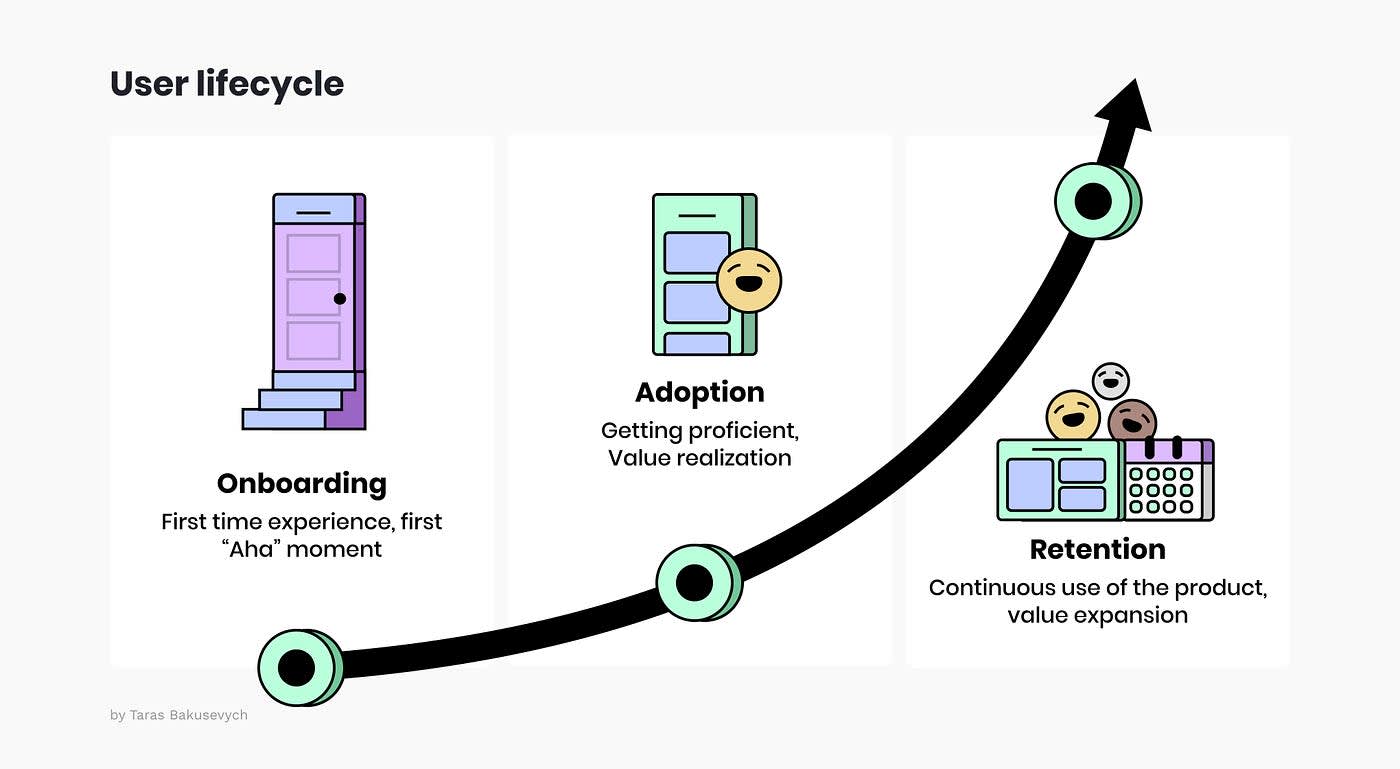
The “Initial Setup” SOP ends once the connection is stable and the first vibration command is successfully received. However, the lifecycle continues.
- The “Success” State: The screen should celebrate the connection. “You are connected! Have fun.”
- Post-Setup Support:
- Firmware Updates: Do not force a firmware update on the very first connection unless critical. Let the user play first; update later.
- Hygiene: A reminder on how to clean the device after use, presented at a later time or in a separate tab.
9. Conclusion
The “perfect” setup for a remote control vibrator is one that is invisible. The user wants to feel the presence of their partner, not the presence of the technology.
By implementing this SOP—which prioritizes couples’ intimacy through rigorous privacy standards, clear visual guidance, and an empathetic understanding of user psychology—developers can eliminate the “tech headache” of teledildonics. This ensures that when the button is pressed, the only feedback is the intended sensation, fostering a true digital connection.