
Lovense App Setup Guide: How to Pair and Control Your Smart Vibrator in 2026
The Lovense Remote app is the most polished app in the smart vibrator category—and the most consistent source of “why won’t it pair?” frustration in the same category. The hardware Just Works™. The app is where the friction lives, and most of it is one-time setup problems that look hard until you’ve done them once.
This guide walks through the entire flow from unboxing a new Lovense toy to running custom patterns and long-distance partner control. If you’re hitting a specific issue, jump to the relevant section—each is self-contained.
Before You Start
You’ll need:
- A Lovense toy that’s at least 50% charged
- A smartphone (iOS 15+ or Android 9+) with Bluetooth 5.0 or newer
- Approximately 10 minutes for first-time setup
- The Lovense Remote app installed (NOT Lovense Connect—different app, different purpose)
The single most common first-time-setup error is downloading the wrong Lovense app. There are several:
| App name | What it’s for | Use this? |
|---|---|---|
| Lovense Remote | Toy control (this guide) | ✅ Yes |
| Lovense Connect | Cam performer broadcasting | Only if you’re a content creator |
| Lovense Body Chat | Social/dating side product | No (unrelated) |
| OSCI 3 by Lovense | Specific to the OSCI model | Only if you own that specific toy |
Get Lovense Remote from the App Store / Google Play. Don’t sideload—the app version matters for firmware compatibility.
Step 1: First-Time Pairing
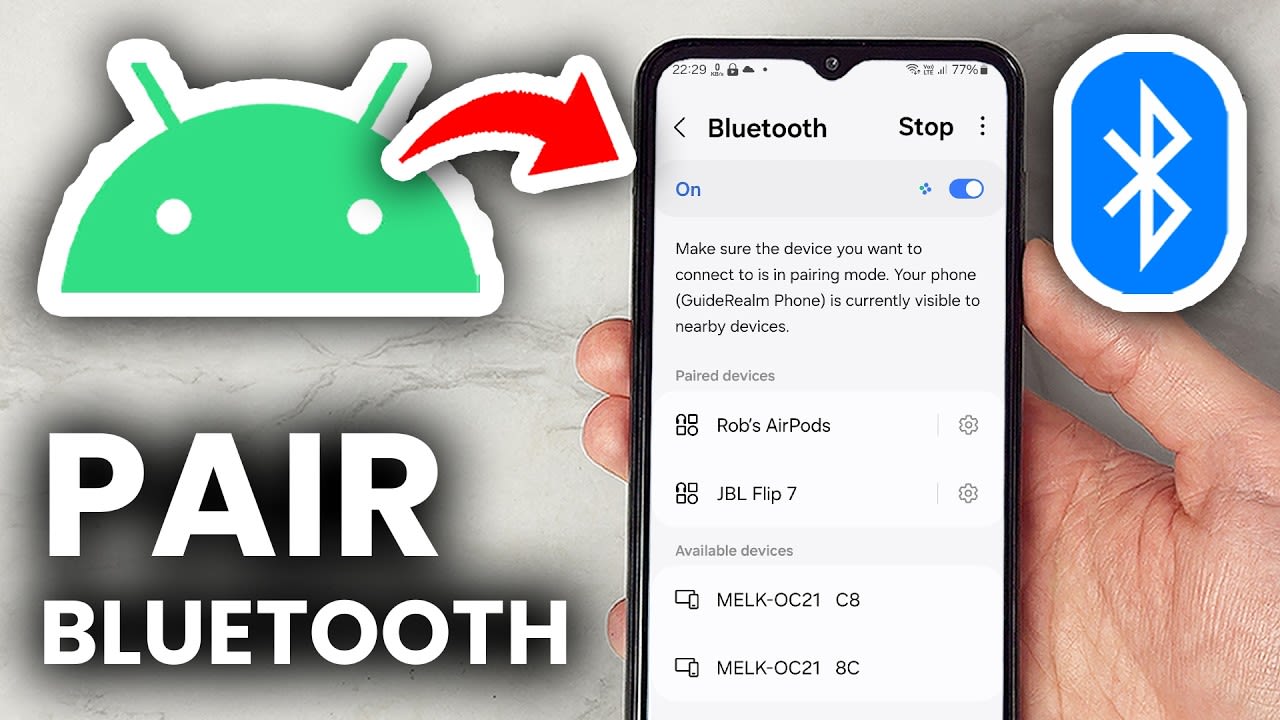
- Open Lovense Remote and skip the optional account creation (you don’t need an account for solo use; only for long-distance partner control)
- On the toy, hold the power button for 3 seconds. The LED should pulse white (not solid, not red—if it’s red, the battery is too low; charge first)
- In the app, tap the connect icon (looks like a Bluetooth symbol with a small toy icon)
- The app scans for nearby Lovense devices. Your toy should appear within 5-10 seconds
- Tap it, and the LED will go solid white (paired and ready)
If the toy doesn’t appear:
- iOS: Settings → Bluetooth → make sure it’s on. Then in Lovense Remote, go to settings → permissions → ensure Bluetooth and Local Network are both granted.
- Android: Settings → Apps → Lovense Remote → Permissions → enable Location (Bluetooth scanning requires this on Android, weirdly)
If it appears but won’t pair:
- Force-close the Lovense Remote app (don’t just background it)
- Turn Bluetooth off on your phone, wait 10 seconds, turn back on
- Try pairing within 2 feet of the toy—Bluetooth scanning at distance can drop frames
About 90% of first-time pairing failures are resolved by one of those three fixes.
Step 2: Understanding the Basic Controls
Once paired, you’ll see the main control screen:
- Intensity slider (left side): vertical bar that adjusts power 0-100%
- Pattern selector (center): list of preset vibration patterns
- Custom pattern drawer (button at bottom): opens the editor for drawing your own vibration curves
- Music sync (button on right): syncs vibration to currently playing audio
- Long-distance (top-right): the partner-control mode (covered in Step 4)
The intensity slider works in real-time—any change you make is reflected on the toy within ~100ms over local Bluetooth. There’s no “save” or “apply” step; the toy follows your finger.
For first-time users, start at 20-30% intensity. Lovense toys go significantly stronger than equivalents from other brands, and the upper third of the slider is usually overstimulating.
Step 3: Custom Patterns
The pattern editor is where Lovense’s app pulls ahead of competitors. To create a custom pattern:
- Open the custom pattern editor (button labeled “Create” or the pen icon, depending on app version)
- Draw your desired intensity curve on the touchscreen—horizontal axis is time, vertical is intensity
- Tap save, name the pattern, and it appears in your pattern list
- Patterns can be reused, edited, shared, or imported from the community library
The community pattern library has tens of thousands of user-submitted patterns. Worth browsing—there are patterns for specific scenarios (slow build, rapid pulse, edge play) that would take you 30 minutes to create from scratch.
Tap a community pattern to preview it, then save to your local library if you want it.

Step 4: Long-Distance Partner Control
This is what separates Lovense from every other smart vibrator brand. Two ways to set it up:
Method A: Same Account (recommended for couples)
- Create a Lovense account if you haven’t (tap Account → Sign Up)
- Have your partner do the same on their device
- Add them as a friend: Account → Add Friend → enter their Lovense ID
- They accept the request, and now either of you can give the other control of your toy
Method B: Real-time link (best for one-off sessions)
- Connect your toy to your phone as normal
- Tap “Long-Distance” → “Give Control” → “Generate Link”
- Send the link to your partner (text, messenger, whatever)
- They click the link, which opens a control-only browser interface (no app install needed on their side)
- They can control your toy from any device with internet, no account required
Method B is what makes Lovense the gold standard for long-distance scenarios—your partner doesn’t need to be in the Lovense ecosystem at all.
Common Issues and Fixes
iOS pauses the app after 5 minutes
This is an Apple-side limitation, not a Lovense bug. iOS aggressively pauses background apps to save battery. Fixes:
- Keep the Lovense Remote app in the foreground during use (don’t switch away)
- If you must switch away, use iOS Picture-in-Picture mode for the app (some toys/app versions support this)
- For multi-hour sessions, plug your phone in—iOS doesn’t pause background apps when actively charging in some configurations
Bluetooth disconnects randomly
Almost always a phone-side issue, not the toy. Things to check:
- Are you within 30 feet of the phone? Bluetooth 5.0 range degrades fast through walls
- Is there a microwave running? Microwaves operate on the 2.4GHz band and crush Bluetooth
- Phone’s battery saver mode on? Battery saver often kills background Bluetooth—disable for the app
- Multiple Bluetooth devices paired simultaneously? Some phones get confused with 3+ active Bluetooth connections
Music sync doesn’t follow the music
Music sync works by analyzing audio coming through your phone’s speakers/headphones. It needs:
- Audio actually playing through the phone (not external Bluetooth speakers)
- App has microphone permission (the analysis uses the mic)
- Music with detectable beats (instrumental ambient music doesn’t trigger sync as reliably as music with clear percussion)
Apple Music sometimes silently fails to register audio for sync. Spotify is the most reliable music source for sync mode.
Partner over Wi-Fi sees delay
3-8 second lag during long-distance control is normal over cellular networks. Both sides on Wi-Fi reduces it to 0.5-1 second. The lag isn’t reducible below ~500ms because the control signal has to travel: your partner’s device → Lovense server → your device → toy.
Privacy and Security
Lovense Remote app stores:
- Your pattern library (synced to Lovense servers if you have an account, local-only if you don’t)
- Your friend list (only if you’ve added friends)
- Connection logs (anonymized usage data, opt-out in settings)
Lovense Remote app does NOT:
- Stream audio or video from your device
- Track location (despite Android requiring Location permission for Bluetooth scanning)
- Share your usage with marketing partners (Lovense has historically had clean privacy practice)
If you’re privacy-conscious, use the app without creating an account. All local toy control works without sign-up; only friend/long-distance features need an account.
When to Update Firmware
Lovense pushes firmware updates ~2-4 times per year for most toys. Updates usually improve:
- Bluetooth reconnect reliability
- Battery efficiency
- New pattern support
Updates rarely break things, but the update process itself takes 5-15 minutes during which the toy is unusable. Don’t start an update right before you intended to use the toy.
The app prompts you when a firmware update is available. Generally accept—the long-term reliability gains are worth the brief downtime.
The Bottom Line
The Lovense Remote app is dense with features, which is both its strength (highest customization in the category) and its setup friction (more knobs = more places to get confused). 90% of the friction is one-time setup. Once you’re past pairing and basic intensity control, daily use is almost frictionless.
For deep-dive product reviews:
- Lovense Lush 3 Review — wearable bestseller, 30-day hands-on test
- Lovense vs Womanizer vs Satisfyer — brand comparison if you’re still deciding
Stuck on a specific app issue not covered here? Drop the issue + your toy model in the comments—we’ll add it to the next update.